Clear your TikTok favourites in one click.
Hundreds of saved videos gone in minutes. No scrolling, no tapping one by one, and no password to share.
Works with Google Chrome, Microsoft Edge and Brave on desktop.

Interactive preview with sample videos. Type a keyword to see which ones would go. Your real favourites are never touched on this page.
From cluttered to clean in three steps.
No account to create. Install once and use it whenever your favourites need a tidy.
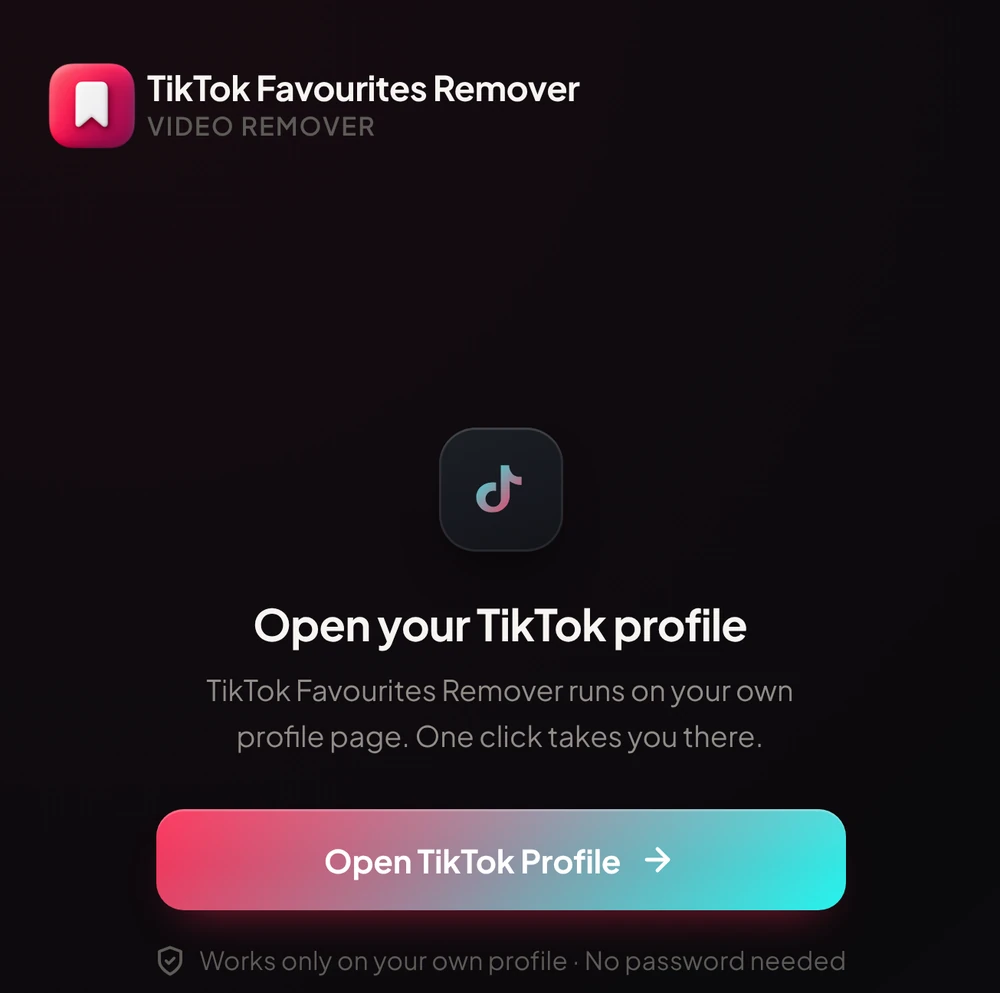
Open your profile
Head to your own TikTok profile in Chrome. The extension takes you there with one click.
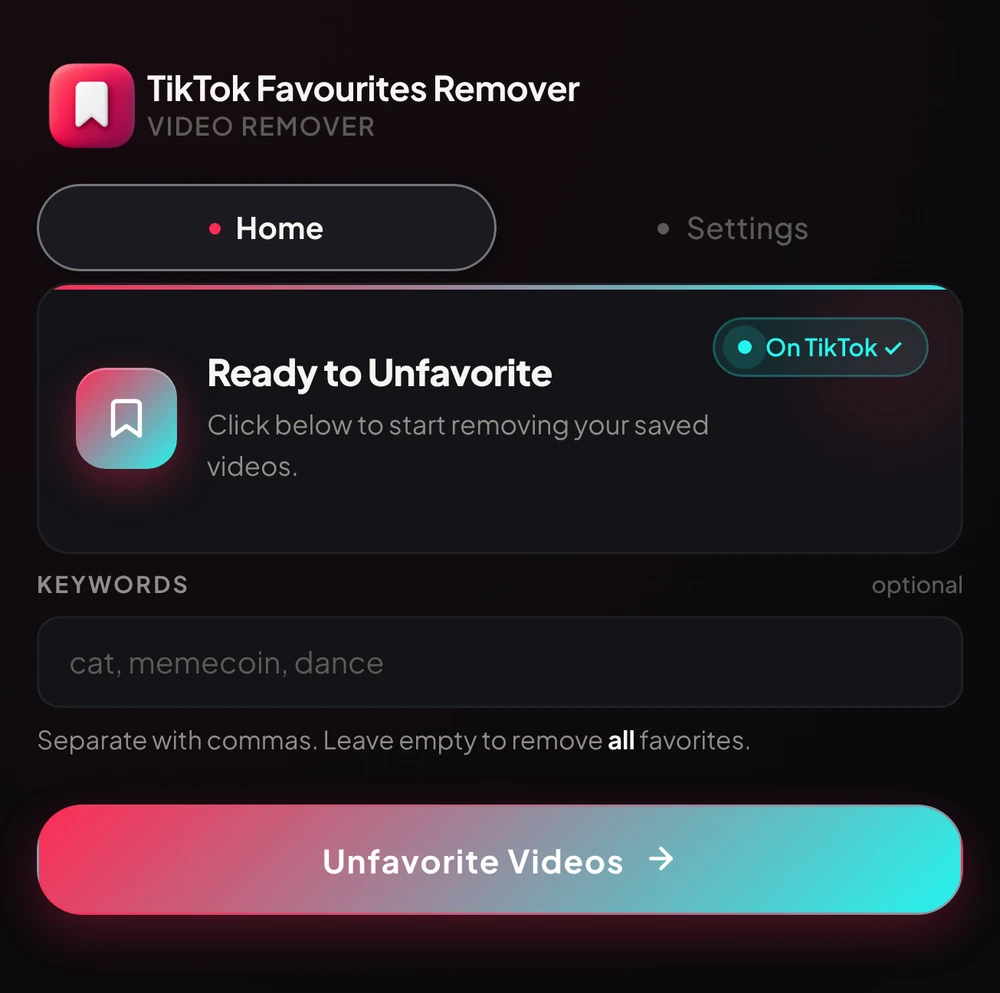
Choose what goes
Add keywords to remove only matching videos, or leave it empty to clear everything.
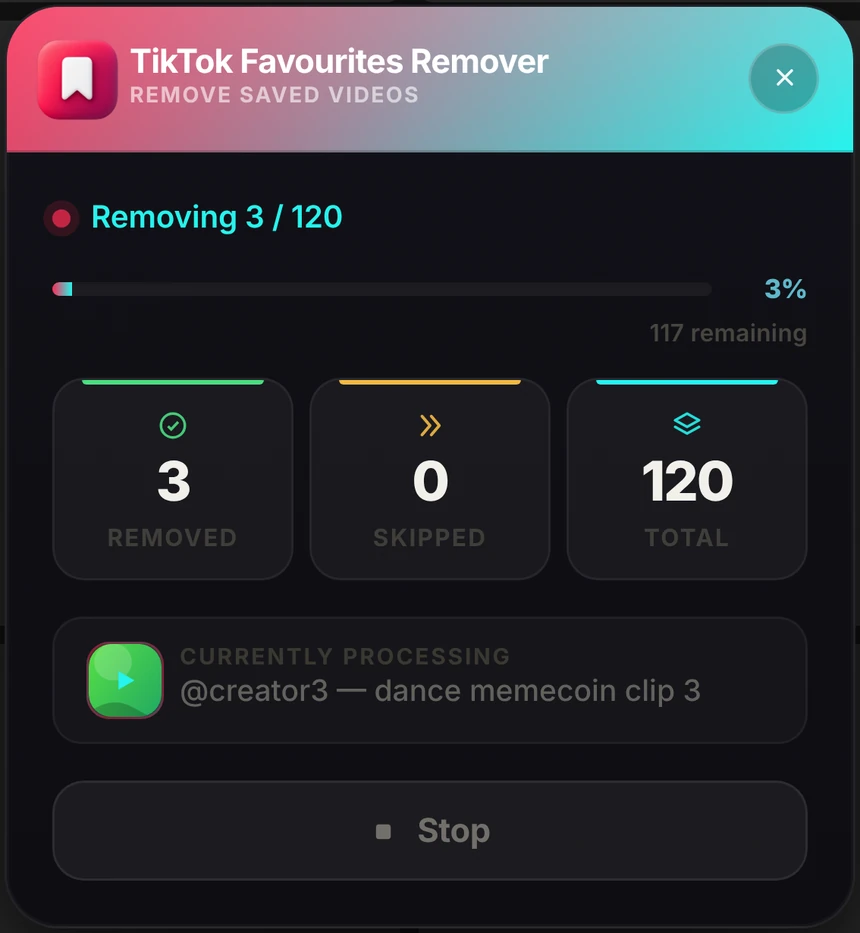
Watch it work
Follow live progress while you do something else. Stop or continue whenever you like.
Everything you need. Nothing you don’t.
A focused toolkit for one job: clearing your TikTok favourites quickly, safely and privately.
Remove everything, or just what you choose.
Not ready to wipe it all? Type a few words and only the favourites whose caption or creator match are removed. Everything else stays exactly where it is.
- Comma-separated keywordscat, recipe, dance — as many as you like
- Leave it empty to clear allOne click to start fresh
- See it first in the demo aboveType a word and watch which videos would go
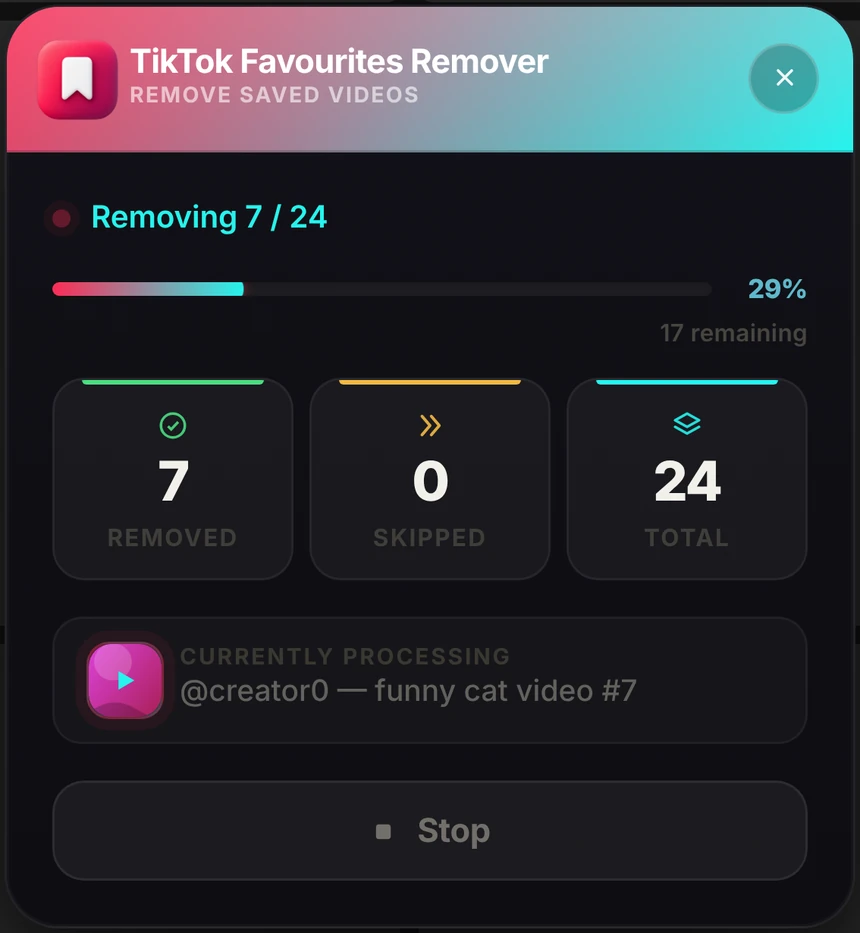
Watch every removal, live.
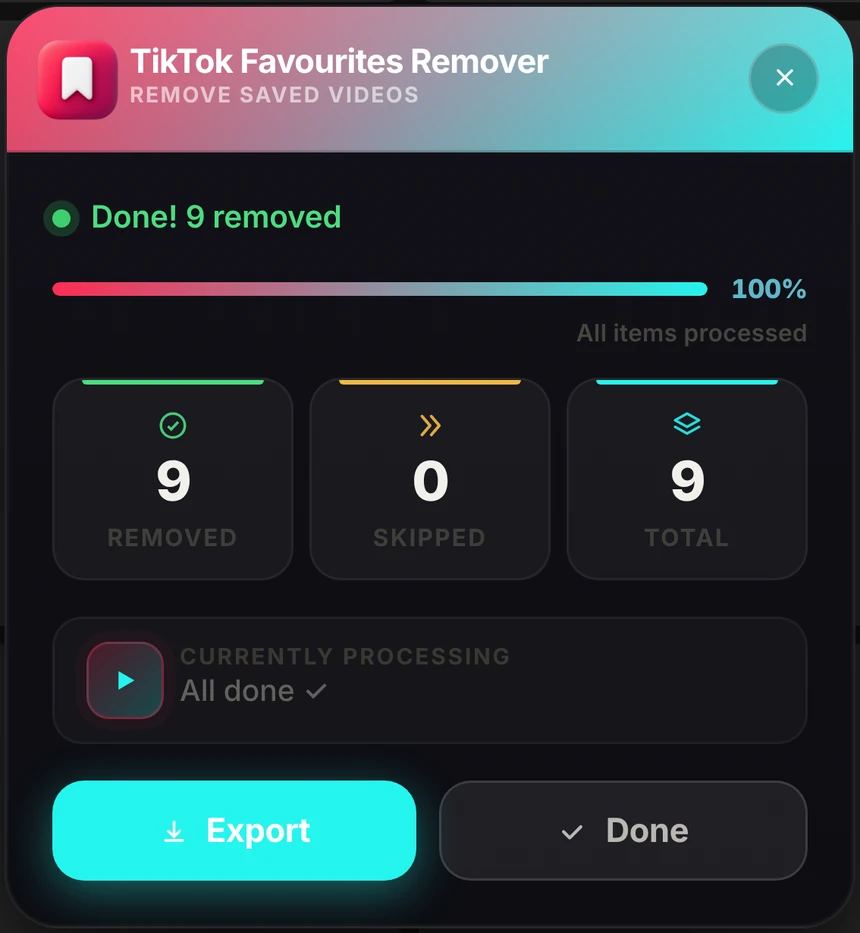
A progress panel appears right on your TikTok page. See how many videos have been removed, skipped and what is left, and stop whenever you want.
- Removed, skipped and totalReal-time counts and a progress bar
- Stop any timeRemoval halts straight away
- Continue laterPick up where you left off
Your pace. Your rules.
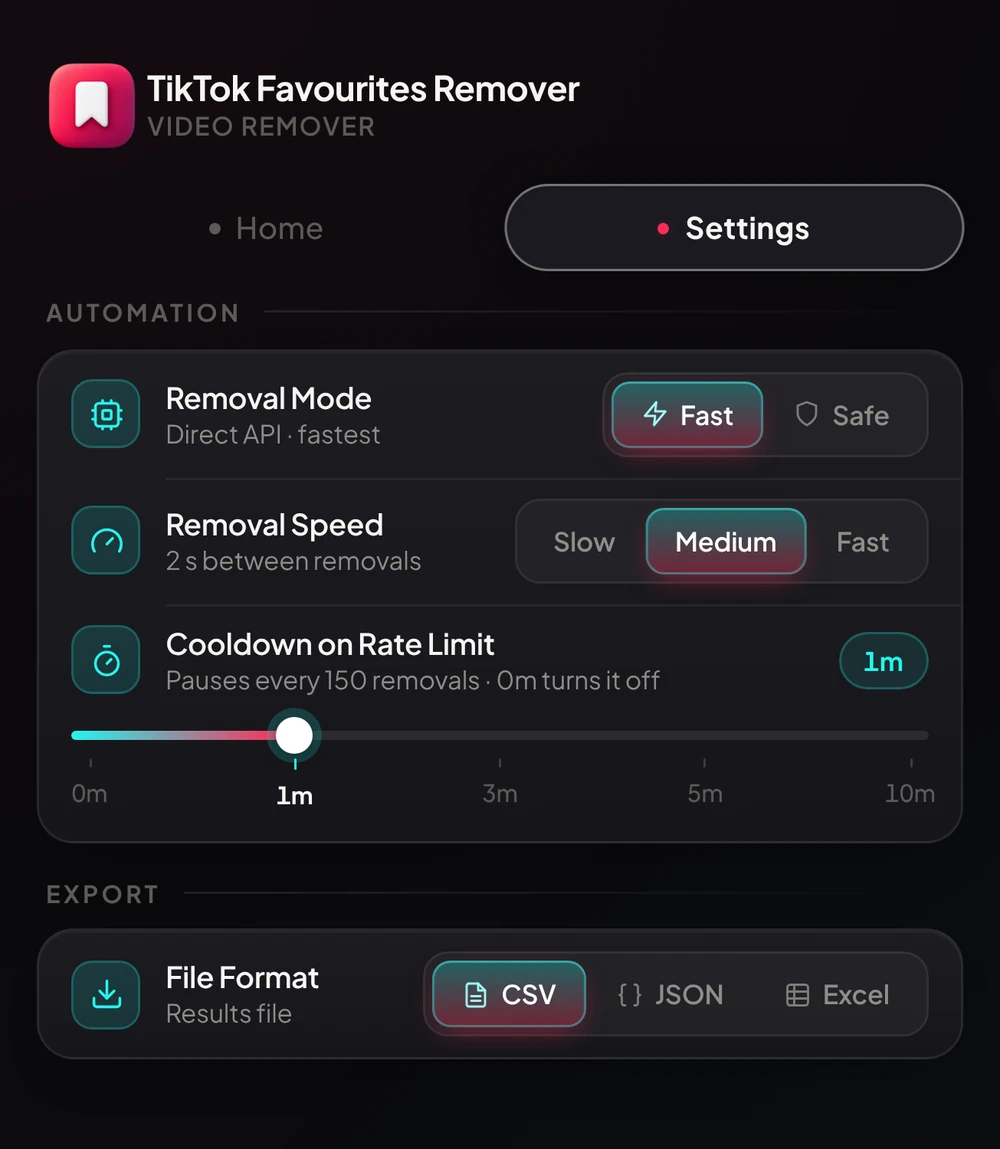
Go as fast as you like, or take it gently. Pick Fast or Safe mode, set the speed and add automatic cooldowns for long runs.
- Fast or Safe modeDirect speed, or gentle human-like removal
- Slow, Medium or FastYou set the time between removals
- Automatic cooldownsA short break every 150 removals, adjustable from 0 to 10 minutes
Keep a record of what you removed.
Save the list of removed videos before they are gone for good, in the format you like best. Files are created on your device and saved by your browser.
- CSV for spreadsheetsOpen it anywhere
- JSON for developersClean, structured data
- Excel for the classicOne click to download
Gentle on your account. Fast on your time.
It does what you would do by hand, just without the tapping. No tool can promise how TikTok will react, so it is built to be careful.
Fast or Safe mode
Choose direct speed, or human-like removal for big clean-ups.
Adjustable speed
Slow, Medium or Fast. You set the pace between removals.
Stops if TikTok limits you
If TikTok blocks removing, the extension stops straight away and tells you.
Handles short hiccups
A brief network blip is retried automatically so your run keeps going.
Your favourites stay in your browser.
We built it so we never need your data. There is nothing to collect, so nothing to leak.
Runs locally
All the work happens inside your browser. Your list never reaches our servers.
No data collected
No analytics, no ads, no selling data. Your settings stay on your device.
No password needed
It uses the TikTok session you already have open. We never see your login.
Built to be simple. Built to be careful.
The manual way vs. one click.
Unfavouriting by hand works, until you have more than a handful of videos.
By hand
- Tap each video, one at a time
- Hours of scrolling for hundreds of videos
- Hunt for matching videos by eye
- Screenshots and notes for a record
- Easy to rush or lose count
With TikTok Favourites Remover
- One click starts the whole clean-up
- Runs on its own while you work
- Keyword filter on caption or creator
- Export to CSV, JSON or Excel
- Adjustable speed, stops if TikTok limits you
Simple, honest pricing.
Start free. Upgrade when you need unlimited power. Cancel any time.
- 6 removals per day
- Keyword filter
- Adjustable speed and live progress
- Export to CSV, JSON and Excel
- Unlimited daily removals
- Unlimited removals every day
- Everything in Free
- Automatic cooldowns for long runs
- Priority bug support
Prices in US dollars. Pro is a monthly subscription sold through Gumroad, with a 7-day refund if we can’t fix a technical issue. See our Refund Policy.
Common questions.
Is this safe for my TikTok account?
Do I need to share my TikTok password?
Does it work if I have hundreds of favourites?
Can I remove only specific videos?
How does the Pro license work?
Which browsers are supported?
Can I stop and continue later?
Do you collect or sell my data?
How do I get help or report a bug?
Questions? We’re here.
Real people read every message. Tell us what you need or what went wrong and we will help you get it sorted.
azmatkhan03491266@gmail.com- Help with setup and licences
- Bug reports from inside the extension
- Priority replies for Pro
Ready for a tidier TikTok?
Install the extension and clear your favourites in minutes. No sign-up, no password, no fuss.